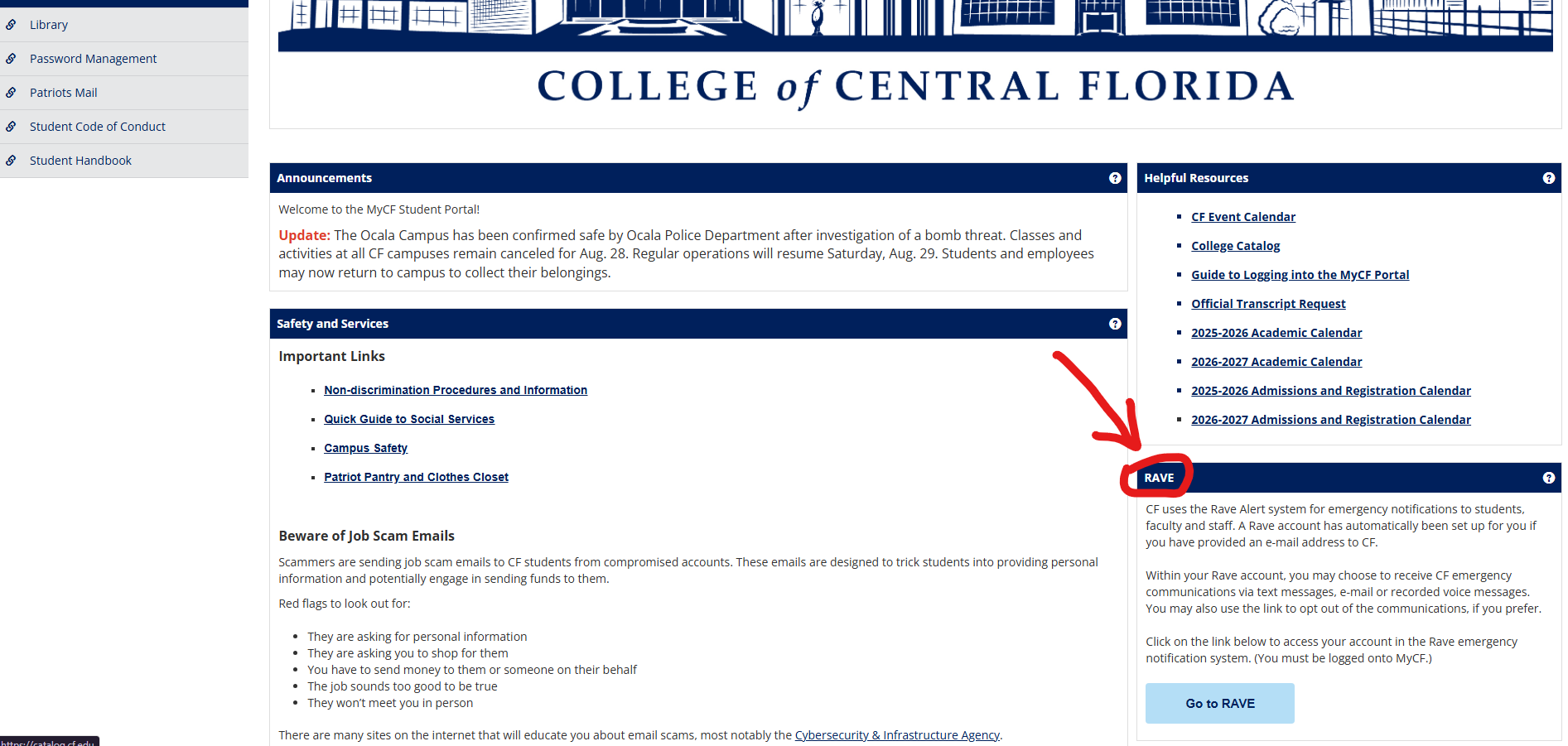
Have you updated your information and preferences in the Rave Alert System? Go to your portal home page and scroll down on the right hand side to click the ‘Go to RAVE’ button. This will automatically take you to your Rave profile page where you can add or delete phone numbers and email addresses. Anytime your phone number changes, you should log into RAVE and update it.