

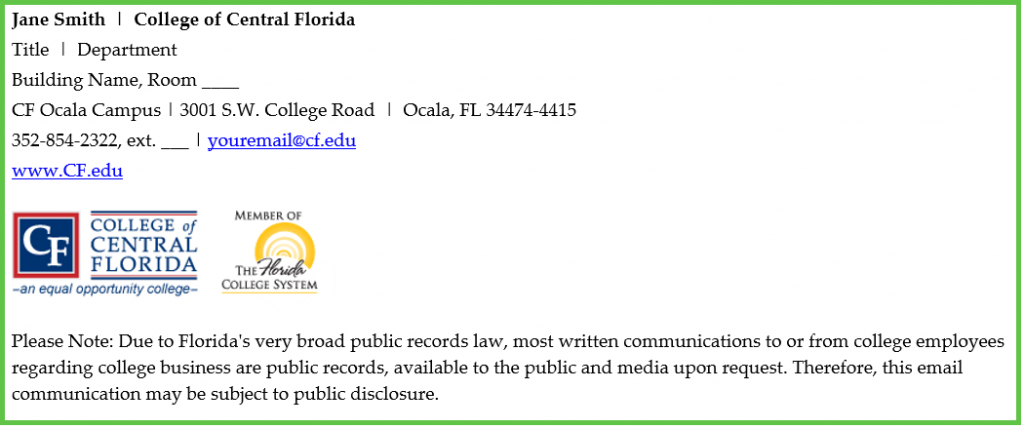
CF’s email signature has been updated for the new year, and all CF employees should change their Outlook signatures to reflect the latest version for brand consistency and accuracy.
Please click HERE to access the latest signature version.
To create a signature:
- Copy an existing sample signature (including logos and disclosure statement from the above Word document).
- In Outlook, go to File, then to Options.
- Go to Mail, then to Signatures.
- Click New, then name your signature.
- Paste the sample signature you copied earlier into this space.
- Update with your information and click OK to save.
- Please note full addresses for other CF locations
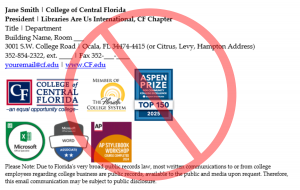
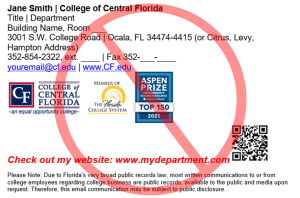
The following examples show the approved signature and two not approved signatures.
If you have any questions about the email signature standards, contact pr@cf.edu.